
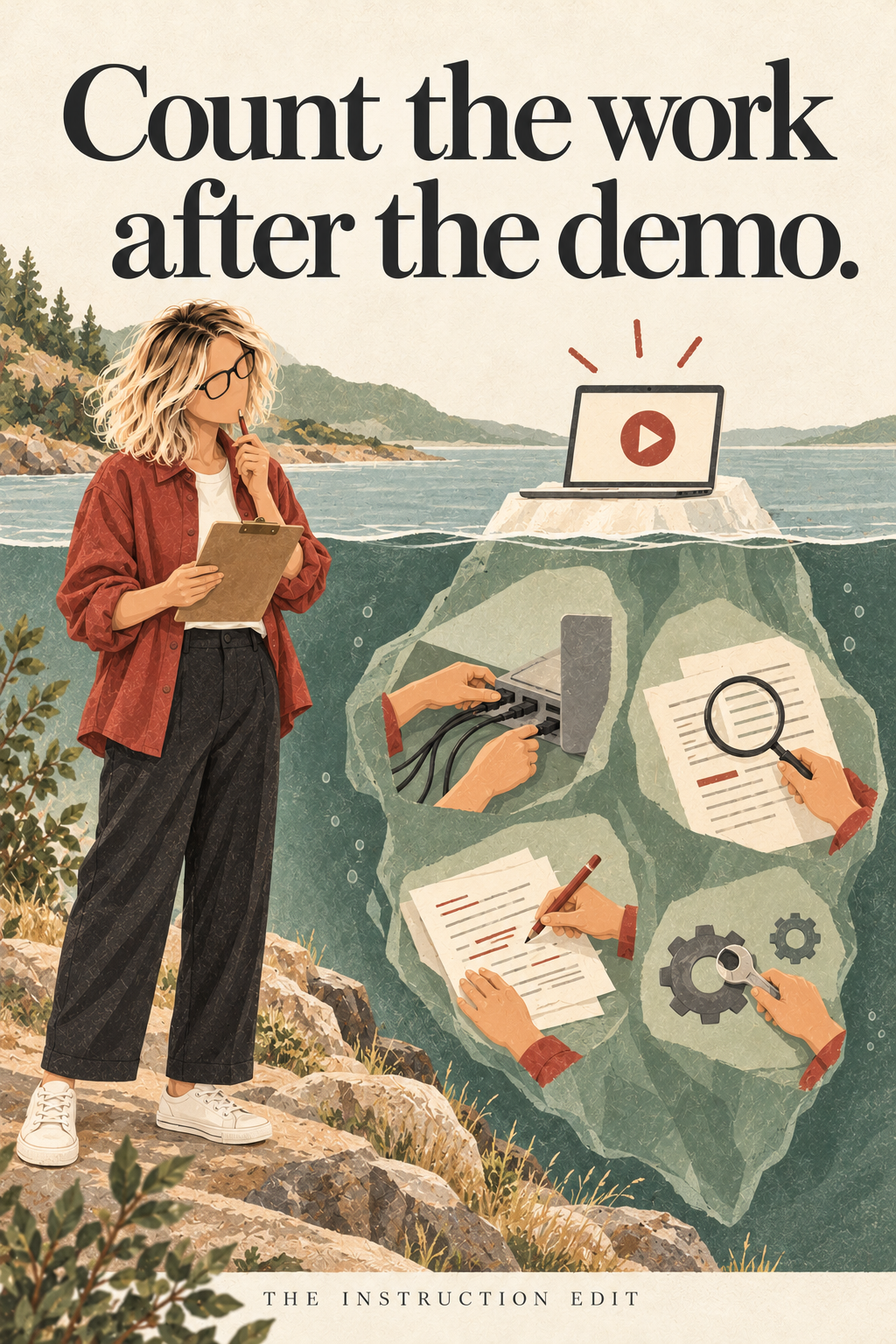
A tool can make a worksheet in seconds and still leave the teacher with more work. The draft may need its questions checked, examples replaced, formatting repaired and answers corrected. It may also be genuinely useful. The point is to measure the whole job before deciding.
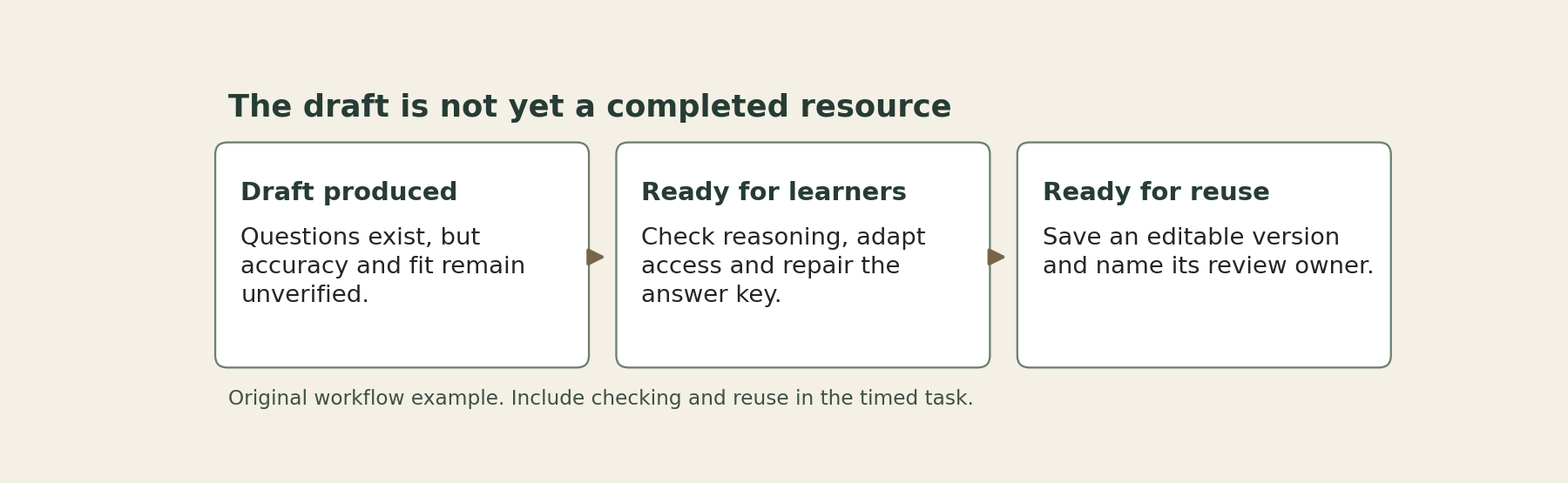
For educators and learning leaders, the right comparison is the time required to produce a resource that is accurate, appropriate and ready for learners. A fast first draft is one part of that workflow. It is not the finish line, however enthusiastically a demonstration treats it as one.
What the research can establish
RAND's 2025 analysis of six years of U.S. K–12 teacher surveys found that teachers using a new instructional material reported about 30 additional minutes of weekly planning compared with peers who were not. That is an association across reported practice, not evidence that a particular tool caused extra work. It supplies a reason to investigate implementation costs, not a universal penalty to add to every purchase. Read the RAND report.
A school might introduce new materials alongside a revised assessment system, changing expectations or more complex classes. Teachers who choose new resources may also be responding to problems their existing materials do not solve. A survey comparison cannot separate all of those possibilities. Nor does it tell us which part of the work a new tool might remove.
The practical argument here is narrower: when deciding whether a tool saves time in your setting, count the activities your staff actually perform, including the unglamorous ones.
Define the output before timing it
Imagine a grade team comparing an existing quiz template with a new question-generation tool. This is an illustrative decision exercise, not a report of a classroom trial. Both options must produce the same output: a six-question check on ratio reasoning, with readable instructions, correct answers, useful distractors and an editable copy that a colleague can reuse.
That definition matters. If one option produces six polished recall questions and the other produces four questions that reveal a ratio misconception, the timings are not yet comparable. The faster output may be solving a different problem.
Before the trial, agree on the minimum quality requirements. For this quiz, each item should match the intended reasoning, avoid accidental ambiguity and have an answer explanation that survives a colleague's challenge. The teacher also needs a version that fits the planned delivery format and learner supports. These are completion criteria, not optional finishing touches.
Follow one resource from start to finish
The table uses invented minutes to make the arithmetic inspectable. They are not industry benchmarks or research findings.
Work stage: Prepare or generate questions
Existing template: 22 minutes
New tool: 6 minutes
Work stage: Check reasoning and answer key
Existing template: 8 minutes
New tool: 15 minutes
Work stage: Adapt examples and access features
Existing template: 6 minutes
New tool: 9 minutes
Work stage: Format and save reusable version
Existing template: 4 minutes
New tool: 5 minutes
Work stage: Total per finished resource
Existing template: 40 minutes
New tool: 35 minutes
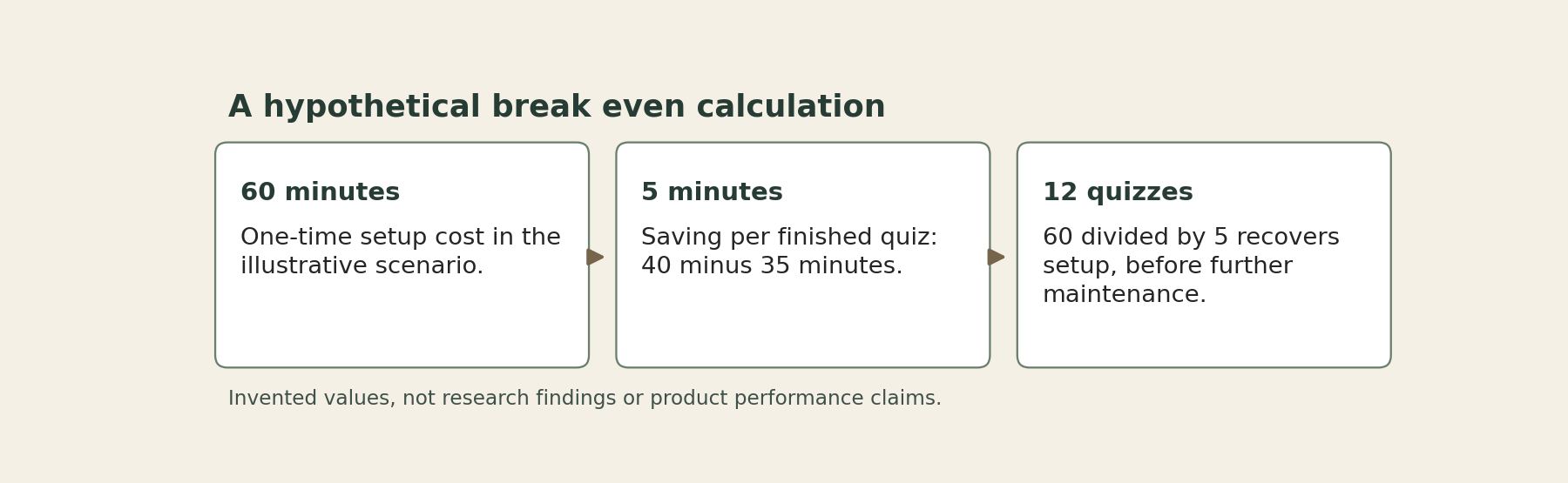
The new tool saves five minutes per finished quiz in this scenario. That is a smaller claim than “six minutes instead of forty,” but it is still a saving. Now include an illustrative 60-minute setup cost. At a steady five-minute saving per quiz, the team would need 12 quizzes to recover that initial hour. Any ongoing maintenance or additional review changes the calculation.
This simple break-even calculation can prevent two opposite mistakes. One is rejecting a useful tool because the first attempt is slow. The other is approving it because the first visible step is quick. Neither tells you what repeated use will cost.
Count whose time is being saved
The person operating a tool may not be the person correcting its output. A coordinator might produce shared materials quickly while classroom teachers spend longer repairing them. A school may gain a cleaner central process and still increase total staff work.
For the quiz example, record a small ownership line beside each stage: author, subject reviewer, accessibility reviewer or classroom teacher. One person may fill several roles. The purpose is to make the transfer of work visible, not to create a new committee for a six-question quiz.
Also record interruptions. A tool that requires a password reset, an export workaround and a search for a missing version has added tasks even if its generation step is fast. If those events are rare, separate them from routine time rather than pretending they happen on every use. If they recur, include them in the normal cost.
There is also a difference between saving staff time and making work less tiring. A tool may be worth using because it reduces tedious formatting while leaving total minutes unchanged. That can be an honest benefit. It should not be relabeled as a measured productivity gain.
Run a small comparison that can change the decision
Use comparable resources and a short, agreed trial period. Record setup separately from repeat-use work. Note time spent checking and correcting, along with any quality failures that would have reached learners without review.
Do not ask staff to time every action indefinitely. A bounded log covering a few complete resources can reveal the major stages. If the work varies widely, include more than the easiest task. A vocabulary review and a nuanced assessment item should not be assumed to have the same checking burden.
Before starting, decide what result would justify continuation. Perhaps the tool must maintain the team's quality criteria while reducing repeat-use preparation time. Perhaps it must make an otherwise difficult accessible format feasible. These are different purposes and should have different success measures.
Keep a no-purchase comparison in view. A better shared template, a smaller question bank or a clearer review checklist may address the same problem with less setup. That possibility is especially important when the original friction is an unclear process rather than missing software.
Make the decision at the workflow level
At the end of the trial, report the useful finding plainly: what became quicker, what became slower, who did the checking and whether the final resource improved. Include the conditions under which the result held.
If the tool saves time only for routine items, limit it to those items. If setup is high but reuse is frequent, plan for that investment openly. If review costs erase the benefit, stop or redesign the workflow rather than asking teachers to verify less carefully.
A time-saving claim becomes credible when it survives contact with the completed job. The best evidence is not the speed of the demonstration. It is a resource ready for learners and a clear account of the work required to get it there.
Sources
Doan and colleagues (2025), Teachers’ Use of Instructional Materials from 2019–2024. RAND report using six years of American Instructional Resources Survey data from K–12 ELA, mathematics and science teachers.
