
A reading pen is worth investigating when a learner regularly needs spoken access to printed text and a digital alternative is not practical. If the same material is already available as usable digital text on an approved device, try built-in text-to-speech first. The simplest effective access route may not involve another device.
Make the comparison with the learner and the relevant support team. The decision is about access to this task, in this setting. It is not a diagnosis, a treatment claim or a promise that a product will improve reading attainment.
Start with the learning objective
If the purpose is to interpret a science explanation, decoding every printed word may not be the skill being assessed. If the purpose is a particular reading or decoding assessment, spoken support may change what the task measures. Clarify that distinction before choosing a tool.
CAST's guidance on text, notation and symbols supports reducing unnecessary decoding barriers while attending to the purpose of the learning. It does not establish that every learner needs a reading pen or that one device is effective in every context.
For ordinary learning, examine the existing text route. Can the learner select and hear the relevant passage, pause it, find their place and return to the question? An inaccessible scan may be the barrier. Buying a pen should not become an excuse to keep distributing unusable digital files.
A specific dedicated print-access option
This article contains affiliate links. The Instruction Edit may earn a commission if you purchase through them. As an Amazon Associate I earn from qualifying purchases.
The C-Pen Reader 2 on Amazon, affiliate link, is a candidate for a print-first workflow. Check the exact Reader 2 model. Reader 2, Exam Reader 2 and other C-Pen products are not interchangeable names, especially where stored content and assessment rules matter.

Illustrative C-Pen Reader 2 product photo. Source: Scanning Pens / C-Pen. Packaging and accessories may vary by market.
The manufacturer Reader 2 page documents embedded text recognition and speech without needing a connected computer, phone or Wi-Fi for that reading function. Its current specifications list English, French, Spanish and Italian recognition. Earlier materials list fewer languages, so confirm the supplied region and firmware against the language the learner actually needs.
Do not convert the manufacturer's broad literacy marketing into an outcome claim. The relevant question is whether the learner can scan their actual printed material accurately enough and use the resulting speech independently. That requires a trial, not an assumption from the feature list.
| Route | Useful when | What to test |
|---|---|---|
| C-Pen Reader 2 | Printed passages recur and a separate digital text route is impractical | Scan movement, actual fonts/layout, language, audio and navigation |
| Built-in text-to-speech | Accessible digital text and an approved device already exist | Selection, pause/replay, voice, reading order and permitted settings |
| Accessible digital original | The source can be supplied in a usable format | Correct version, headings, symbols and relevant tool compatibility |
| Planned human support | A learner's agreed support requires another route | Timeliness, privacy, learner choice and the task's rules |
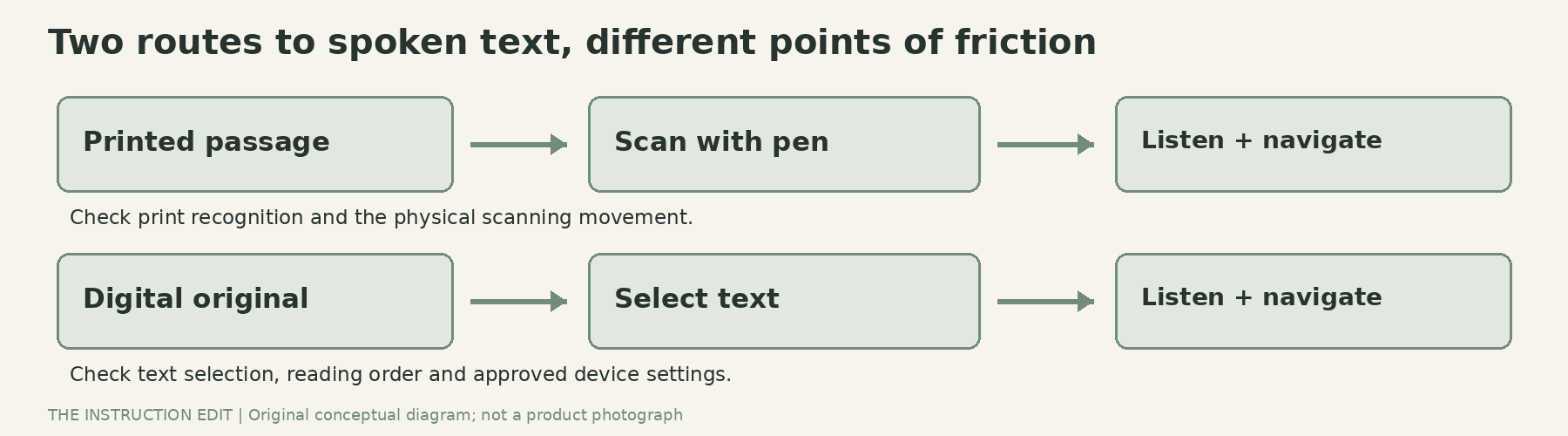
Choose the access route around the actual material. Original conceptual illustration.
Compare the complete task, not one spoken word
Google's Chromebook Select-to-speak documentation describes reading selected text aloud, highlighting words and using navigation controls such as pause, speed adjustment and line skipping. Those functions make an owned Chromebook a sensible baseline where the text is usable and the settings are allowed.
That does not mean every PDF or every locked assessment environment will work. Try the actual file and managed account. Check whether a chosen voice or feature requires connectivity and whether the institutional configuration allows it. Do not assume that a tool which works at home will behave identically at school.
For a pen, the physical scanning action is part of the workload. The Reader 2 support material describes setup and scanning technique. A learner needs an opportunity to practice the movement, choose the appropriate handedness setting and recover from a missed line. Training and a reliable help route belong in the purchase plan.
An illustrative comparison session
Use a short, non-sensitive science passage whose purpose is understanding a process rather than testing decoding. Prepare a usable digital version and the print version. This is a proposed selection activity, not a clinical assessment or a report of product testing.
Ask the learner to find a named fact, hear one paragraph, pause, replay a confusing phrase and answer a question using the passage. Try both routes in an order that avoids treating the second attempt's familiarity as evidence that its tool is better.
Observe specific obstacles. Did the pen skip a word? Did the digital tool read columns in the wrong order? Could the learner return to the same sentence without adult intervention? Did the required scanning movement become tiring? Ask which route felt workable and why.
Then include a realistic difficult example: a table, a diagram label, a small footnote or a technical term. Do not assume printed mathematics, handwriting and complex layouts will behave like a clear paragraph. Record what happened to the meaning, not just whether the device produced sound.
A useful outcome might be different tools for different materials. The learner may prefer digital speech for a long article and a pen for occasional printed instructions. There is no requirement to turn an access decision into loyalty to one device.
Offline reading does not settle every practical issue
An offline reading function can matter where connectivity is unreliable or another screen is impractical. It does not remove charging, storage, headphone, loss-prevention or support needs. Check who will charge the pen, where it is stored and what happens when it is unavailable.
Reader 2 documentation also describes stored text and voice-memo functions. Follow the institution's rules for handling stored content, especially if a page contains personal information. Do not assume that no Wi-Fi means no data-handling responsibility.
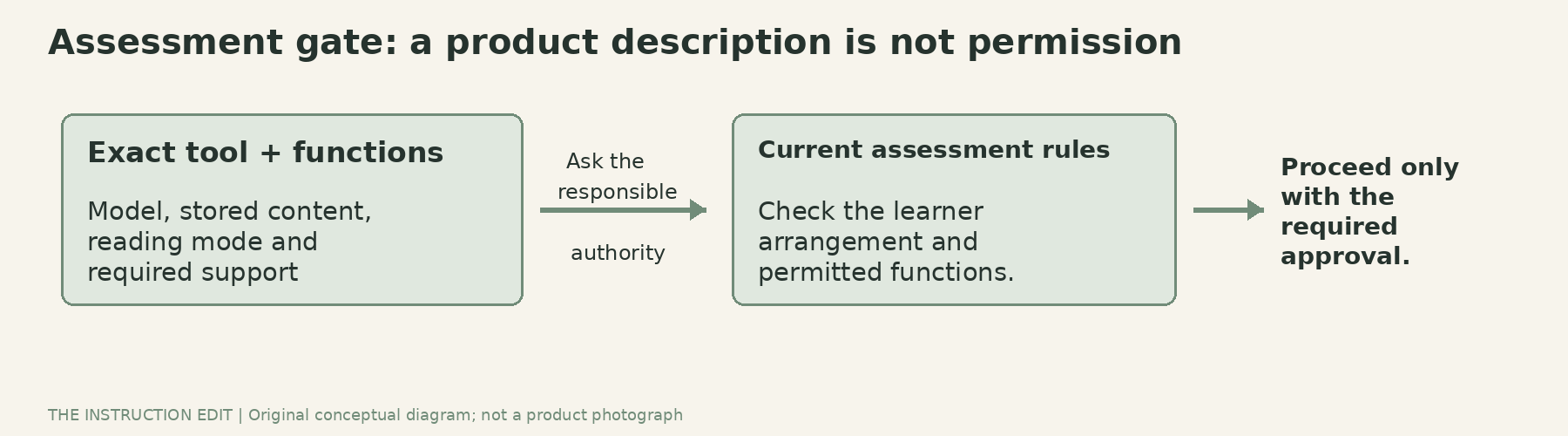
Keep three permissions separate. Original conceptual illustration.
Assessment permission is a separate decision
Obtain the relevant assessment body's or institution's current permission for the exact tool and enabled functions. A product name, retailer description or an exam-related marketing phrase is not authorization. Reader 2 should not be substituted for an exam-specific model without approval.
Keep the learner involved in ordinary preparation, and coordinate formal accommodations through the responsible team. Avoid introducing an unfamiliar access tool for the first time during a consequential assessment.
Who should not buy
Do not buy a reading pen simply because a learner finds reading difficult. Pause if accessible digital text already solves the task, the required language is unsupported, physical scanning is unsuitable, or assessment permission is unresolved. Also pause if nobody can support setup and practice.
Where printed material is a recurring barrier and the trial supports the learner's preference, Reader 2 is a documented option to investigate. Begin with one real task and two access routes. The purchase should follow a useful comparison, not replace it.
Sources and selection basis
The manufacturer specifications, Reader 2 support FAQ, Google guidance and CAST guidance were checked on 25 October 2026. Exact Amazon identity was verified. No firsthand accuracy test, therapeutic benefit, stock or assessment approval is claimed.
